

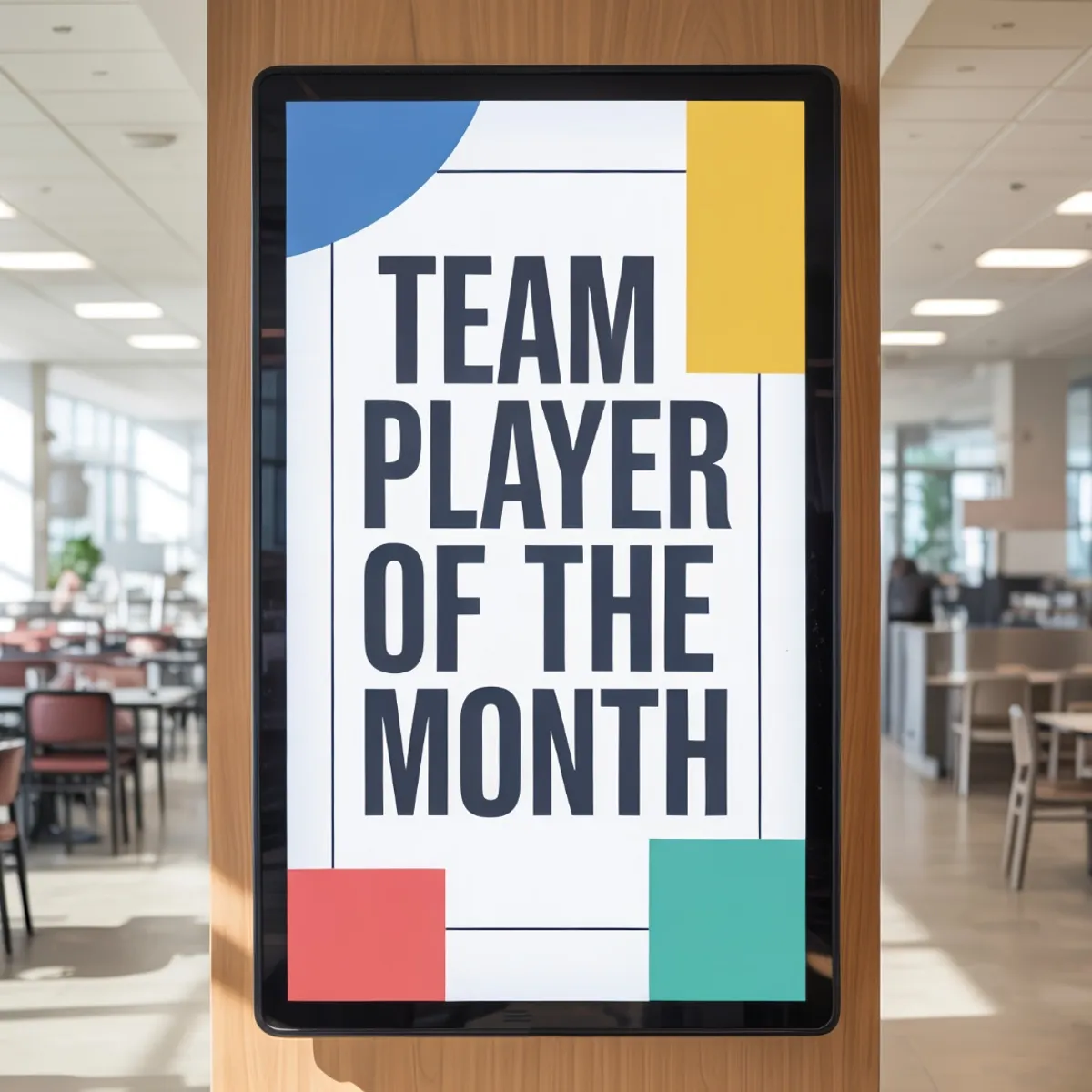

It’s not easy to be an employee in today’s modern workplace. Staff members struggle with information overload, disconnected teams, and inconsistent messaging. Digital signage is crucial.
Digital signage can replace outdated printed flyers and reduce email inbox clutter. Employees get the information they need when they need it, in a format that’s hard to ignore.
The most effective companies combine digital signs with overhead messaging and background music, leading to a curated workplace that’s a pleasure for employees to work within. With companies like Pandora CloudCover, blending digital signage, overhead messaging, and background music is easier than ever.
Explore fully licensed music and digital signage for your business
No credit card required. Terms and conditions apply.
Why Corporate Offices Are Investing in Digital Signage
The digital signage market is projected to reach $28.88 billion by 2030 at a CAGR of 6.1%. Businesses are partially responsible for this growth.
Companies invest in digital signs to increase employee productivity and enhance brand perception. Signs are easy to update across the enterprise, ensuring the data is always accurate.
Digital signs can also support hybrid work strategies by making the physical office feel more useful and connected.
Improving internal communication through digital signage can boost employee productivity by up to 25%.
With screen-based signs, people retain 65% of visual information after three days, compared to only 10-20% of written text (like emails).
Companies with highly engaged employees see a 21% increase in overall profitability.
Streamline Internal Communication
The average employee gets 117 email messages per day. Critical messages shared in digital screens are more likely to be seen than yet another update in an overwhelmed inbox.
Digital signs can be updated in real time, eliminating the problem of outdated printed flyers in the breakroom. When something changes, the signs can be adjusted across the enterprise in minutes.
Boost Employee Engagement & Recognition
Signs can share uplifting information about birthdays, work anniversaries, and sales wins. New hires can be welcomed and introduced on the signs as well.
At a time when one in four employees report dissatisfaction with their workplace culture, these welcoming signs could be especially critical.
Optimize Meeting Room Management
In hybrid workplaces, meeting rooms are difficult to access. Digital screens can highlight scheduling information, including times that are open for reservations.
These resources can reduce interruptions and ease tensions when room schedules are tight.
Improve Wayfinding & the Visitor Experience
Lobby signage helps visitors and new hires navigate large campuses or complex floor plans. If the visitor is a VIP, those signs could also include welcoming information, providing a good first impression.
The Connected Office: Integrating Audio & Video in Your Workplace
Visual signage shouldn’t be siloed from the office soundscape. The vibe of an office is defined by what people see and what they hear. Connecting the two can lead to a more harmonious and effective workplace.
Aligning Visuals With the Office Atmosphere
The content you share should match the energy level of the room where it’s shown. For example, your high-energy sales floor could benefit from dynamic leaderboards and upbeat music. Meanwhile, your staff break rooms benefit from calming visuals and low-fi music.
Clashing inputs can hurt productivity and damage your brand, so it’s worth experimenting and adjusting until you get the mix just right.
Audio Messaging & Visual Reinforcement
Effective signage can keep staff members engaged, and your audio messages can reinforce key points.
For example, your signs might discuss a critical all-staff meeting, and you can share an audible cue when it’s about to start.
Choosing the Right Digital Signage Solution for Corporate Environments
Offices have specific demands, and it’s wise to consider them carefully before you purchase your equipment.
Hardware & Deployment
Commercial-grade screens are designed to run around the clock, and they’re ideal for lobbies and other high-traffic areas. Standard screens might work for occasional use, but always-on screens should be designed for that purpose.
Pandora CloudCover’s CloudBox is a single-device solution that can handle both office music streaming and digital signage content. You’ll have less clutter in the server room, and it’s easier for your IT team to make critical changes.
Access premier curated playlists with Pandora CloudCover
No credit card required
Content Strategy & Management
Remote management is essential for companies with multiple office locations. A cloud-based dashboard ensures changes can be made across the enterprise and deployed efficiently.
Role-based access allows specific teams to change their owned content. For example, HR could adjust birthdays while sales creates the KPI dashboards.
Best Practices for Corporate Digital Signage
The following best practices ensure you make the most of your investment in digital signage solutions for your business:
Location Is Everything
Place complex content, such as company news, in breakrooms or elevator banks where people stand still. Use high-impact, bold content in hallways and lobbies where people are on the move. A dashboard should allow you to control multiple streams across your facility.
Keep Content Fresh & Relevant
Audit your content regularly and remove anything that is out of date. Sharing unsuitable messages (such as notes about the new year in September) can hurt your credibility and reduce the effectiveness of your campaigns.
Automated feeds, such as stock tickers or weather predictions, can be good fillers when you’re out of ideas to share.
Balance Branding with Unity
Break up promotional content with useful information, such as traffic cameras and cafeteria menus. Helpful content will keep employees engaged with the screens, making your messages more likely to resonate.
Digital Signage Use Cases by Office Zone
| Zone/Location | What to Display | Goal / Impact |
|---|---|---|
| Lobby & Reception | Welcome messages for clients, interactive directory, weather/traffic feeds, and branded company sizzle reels | Creates a modern "first impression" for visitors and helps new hires or guests navigate the building without needing to ask the front desk |
| Open Office/Bullpen | Real-time KPI dashboards, sales leaderboards, project progress bars, and "big win" celebrations | Drives motivation and transparency by keeping performance metrics visible to the team at all times |
| Breakroom & Kitchen | Employee birthdays, work anniversaries, social event photos, trivia, and HR announcements (e.g., "Open Enrollment") | Builds company culture and community in a relaxed setting where employees are more likely to engage with non-urgent content |
| Conference Rooms | Meeting schedules, "Room in Use" status indicators (Red/Green), and instructions for connecting to AV tech | Improves productivity by preventing double-bookings and reducing interruptions ("room sharking") during meetings |
| Hallways & Elevators | Internal news tickers, IT security alerts, wellness reminders, and CEO town hall summaries | Utilizes high-traffic "dwell time" to communicate essential information passively as employees move between tasks |
Getting Started Checklist for Corporate Office Managers
This list can help you launch digital signage in your corporate office quickly and effectively:
- Audit your current communication gaps.
- Identify key locations for screens.
- Map content to each screen.
- Choose a hardware partner.
- Choose a software partner.
- Launch a pilot program and audit.
Why Choose Pandora CloudCover for Your Office Experience
With Pandora CloudCover, you can control both the audio and the visual environment within your office from one intuitive dashboard. Enterprise-grade features, such as single sign-on, user permissions, and multi-location control, make this an ideal solution for businesses with multiple locations.
Frequently Asked Questions
Can we use our existing TVs for digital signage?
It depends. Your current screens may not be designed for always-on displays.
How secure is corporate digital signage?
It depends. Companies like Pandora CloudCover have very secure dashboards to manage content. Other companies may not.
Can we show live data like sales dashboards or stock prices?
Yes. This is a smart strategy to keep screens fresh and engaging.
Does digital signage distract employees?
It shouldn’t. Screens should provide content that keeps employees informed and engaged while they work.
Can I manage screens for multiple corporate office locations from home?
Pandora CloudCover’s dashboard can be accessed from any connected device, no matter where you are.
References
Digital Signage Market Size, Share, and Industry Growth. (January 2026). Markets and Markets.
New Microsoft Study Reveals the Rise of the Infinite Workday. (June 2025). Microsoft.
The 2024 NAMI Workplace Mental Health Poll. National Alliance on Mental Illness.